

Oakie's Box Bonanza
Help Oakie sniff out treasure. This screen reader and keyboard accessible story adventure sends Oakie the dog through eight magical locations to solve math puzzles and collect boxes for the castle treasure room — with full text-to-speech and a parent-set password to restart.
Play Now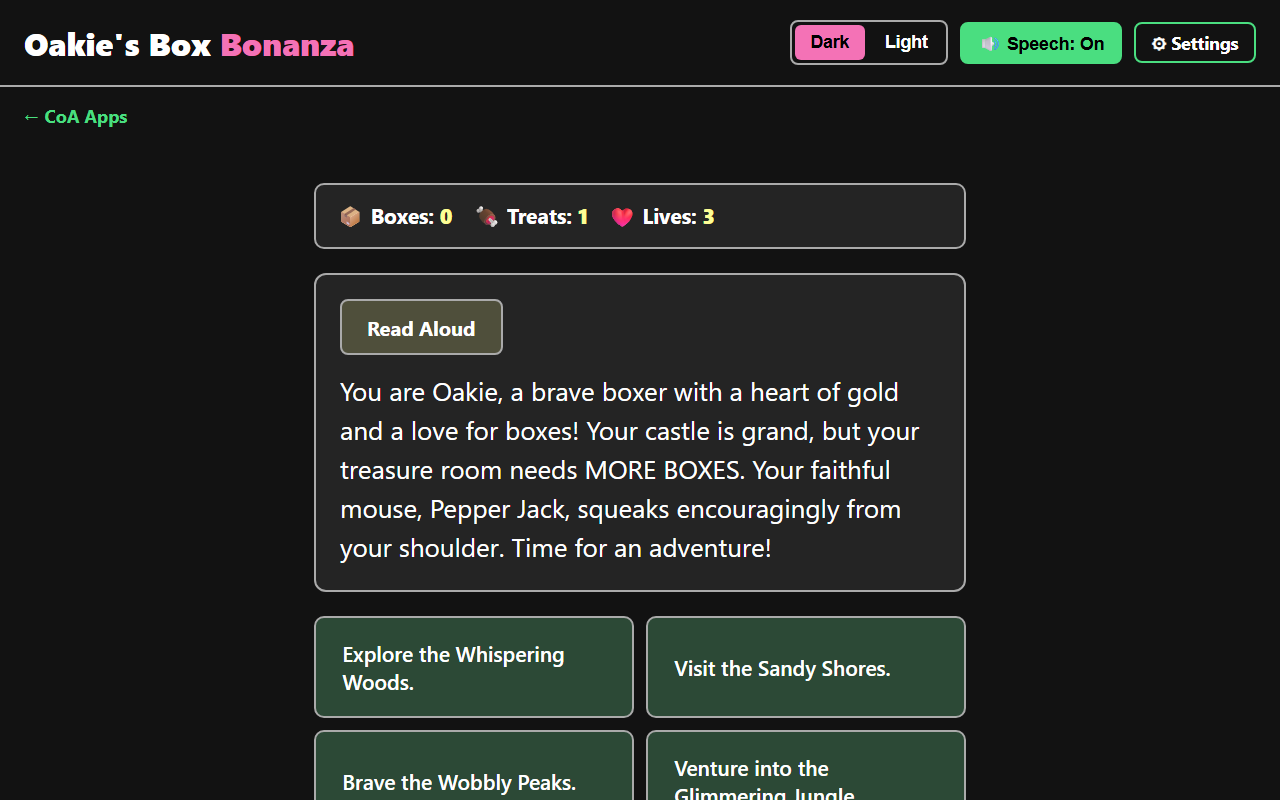
Eight Magical Locations
Help Oakie the dog explore, choosing where to go and what to do at every turn.
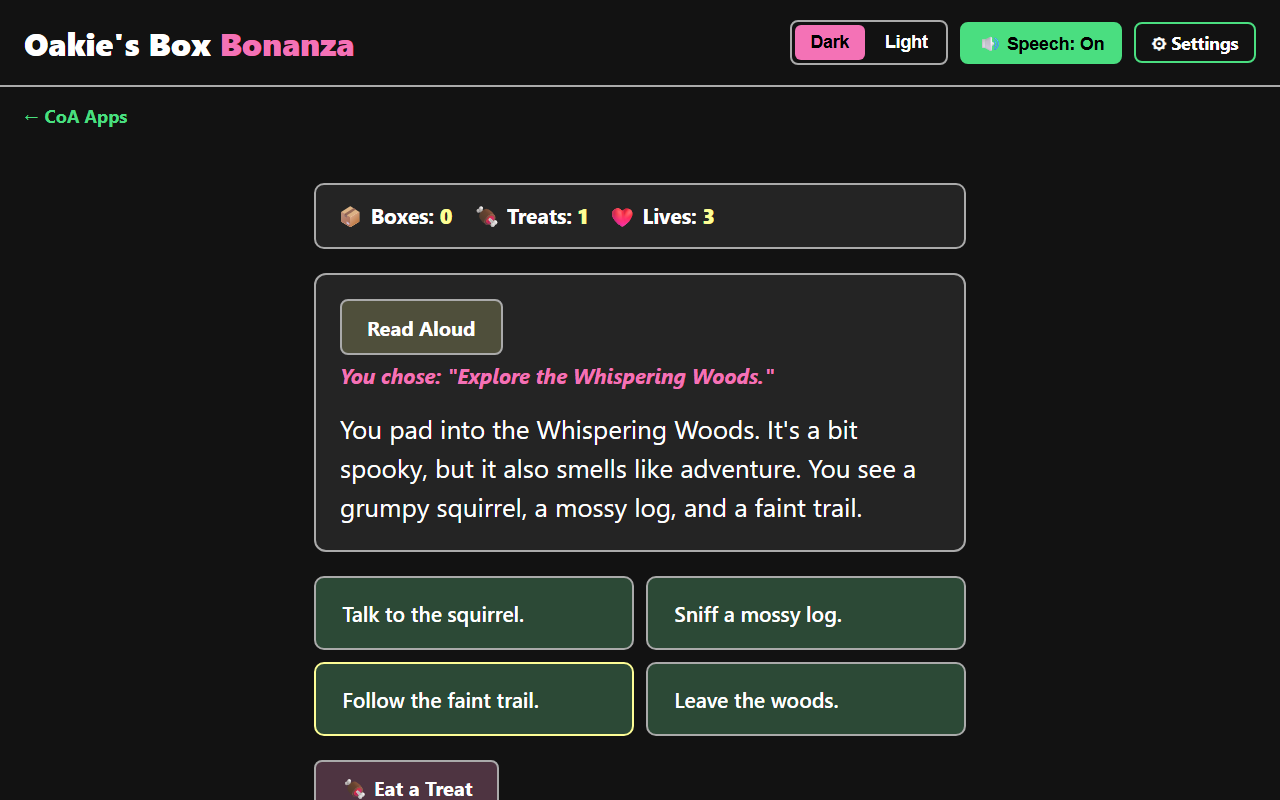
A Story That Remembers Your Choices
Every path leads somewhere new, with fresh choices, treats, and boxes to find along the way.
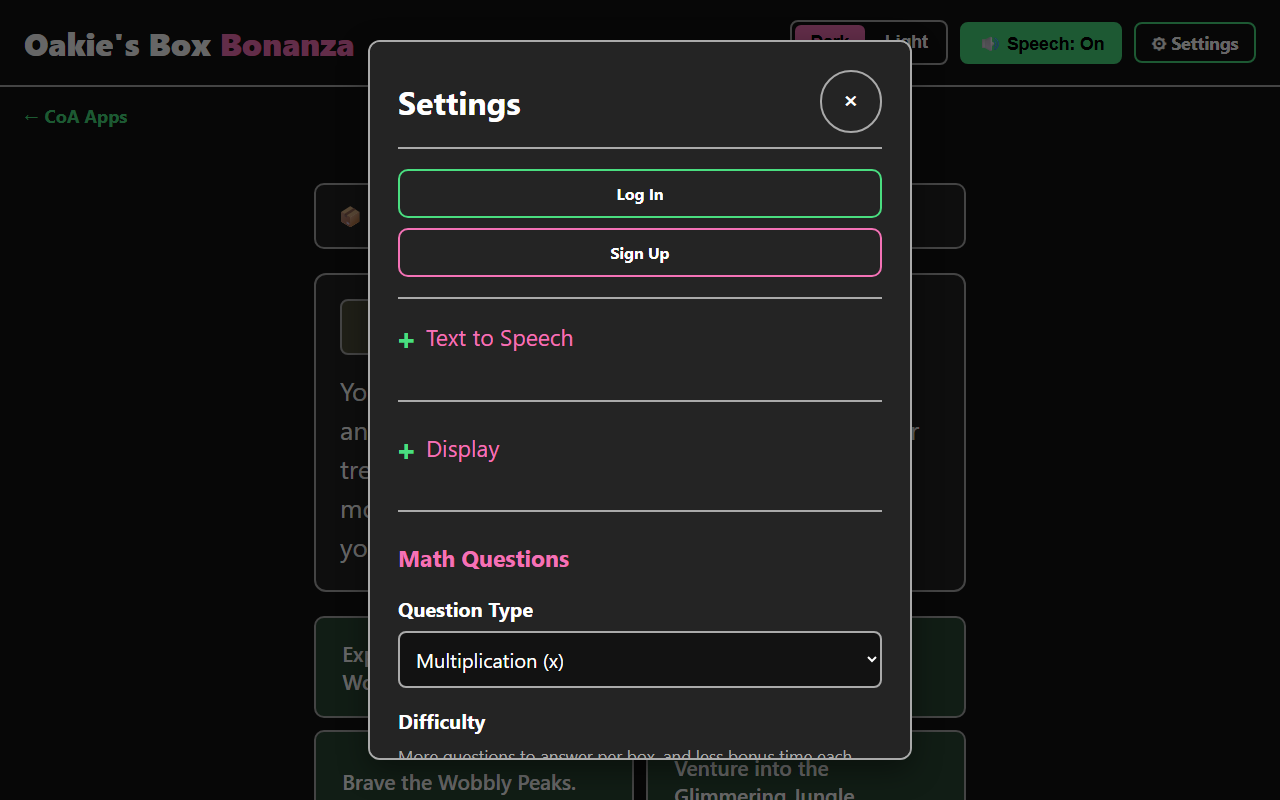
Made To Fit You
Pick the math question type and difficulty, adjust text-to-speech and display, and sign in to save progress.
Screenshot 1 of 3: Oakie's Box Bonanza gameplay showing the story introducing Oakie the boxer dog, a Boxes/Treats/Lives status bar, and four location choices including Explore the Whispering Woods and Visit the Sandy Shores. Eight Magical Locations. Help Oakie the dog explore, choosing where to go and what to do at every turn.
How to Play
- Choose Oakie's next move from the story's choices — explore the Whispering Woods, Sandy Shores, Wobbly Peaks, Glimmering Jungle, Wiggling Tunnels, Rushing River, the Doggy-mobile, or your own castle.
- Some choices lead to a box guarded by a math quiz. Answer the questions correctly to add the box to your collection.
- You have 3 lives (up to 5). A wrong quiz answer, or running out of time, costs a life.
- Some choices lead to a treat instead of a box. Eating a treat usually refills a life, and sometimes reveals a bonus hidden box.
- Collect 5 boxes to finish today's adventure — come back tomorrow for a new one!
- Choose the math question type (addition, subtraction, multiplication, or division), and adjust text-to-speech voice, speed, and text size any time in Settings.
Accessibility
Every screen is fully keyboard-operable and built to work with a screen reader. The story, choices, and quiz questions are all announced through built-in text-to-speech — Google voices are preferred automatically when available, with your device's built-in voices and choice of voice supported too. Text-to-speech can be turned off independently, with everything still conveyed through the page's own live regions for screen reader users. Text size is adjustable, and dialogs (Settings, the math quiz, and result messages) trap focus so keyboard and screen reader users always know where they are. A parent or teacher password protects the Restart Game option, so progress isn't lost to an accidental tap.
Categories
Educational Math