Apps
Productivity
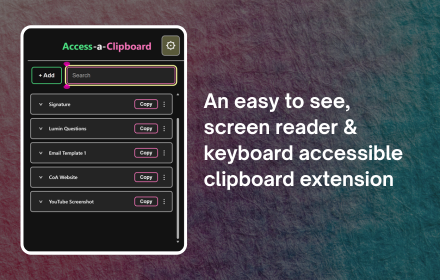
Access-a-Clipboard
Copy it once, never lose it again. Save text, links, and images in Chrome, then pull any of them back instantly with a simple shortcut code.
Learn More Get it now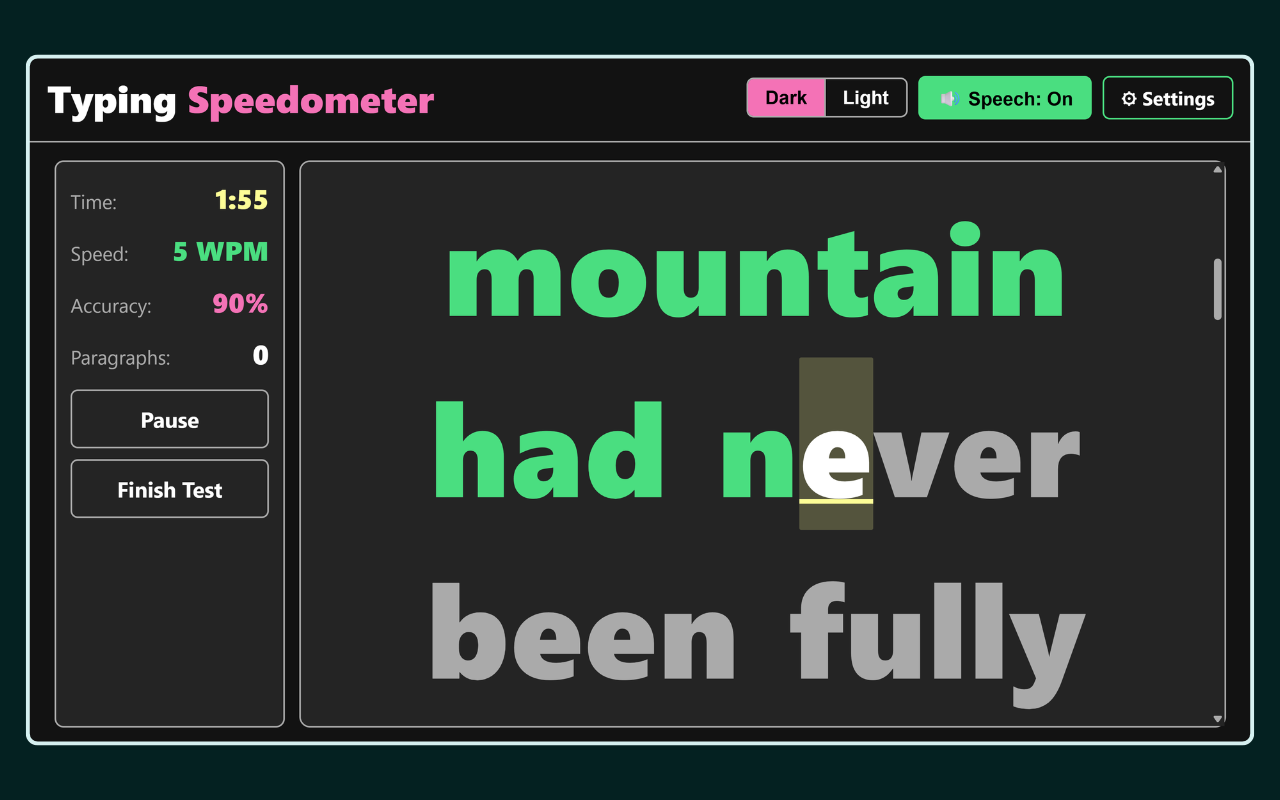
Typing Speedometer
A typing test that's actually accessible! Pick an audience from Kids to Adults, a mode from Letters to your own text, then race the clock or take your time.
Learn More Open App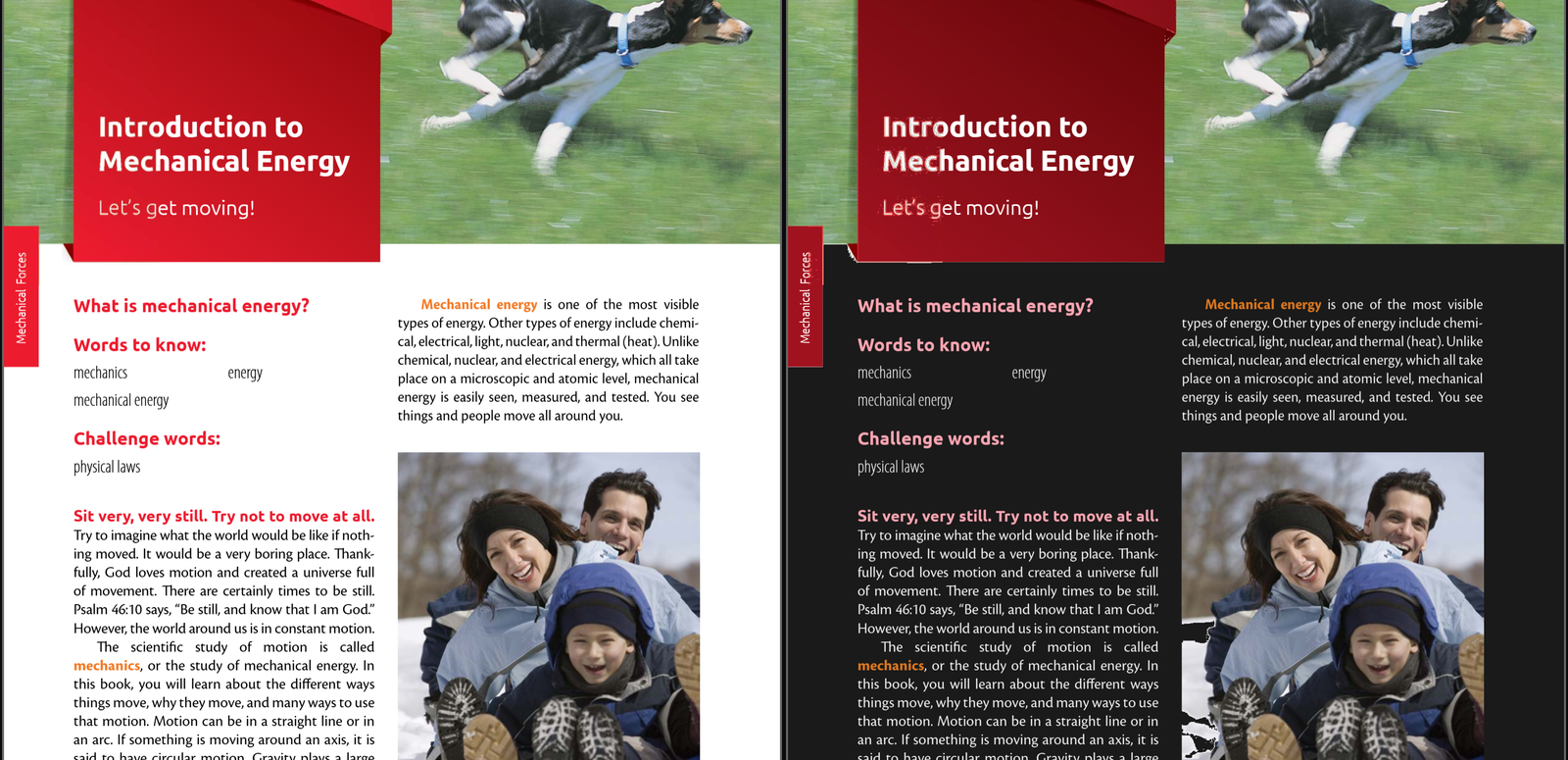
Access-a-Reader
Open any PDF, or a photo of a page, in real dark mode: colours keep their hue, pictures stay pictures, scans get readable text, and you can highlight, draw and add notes, then save it all as a new PDF. Beta.
Learn More Open App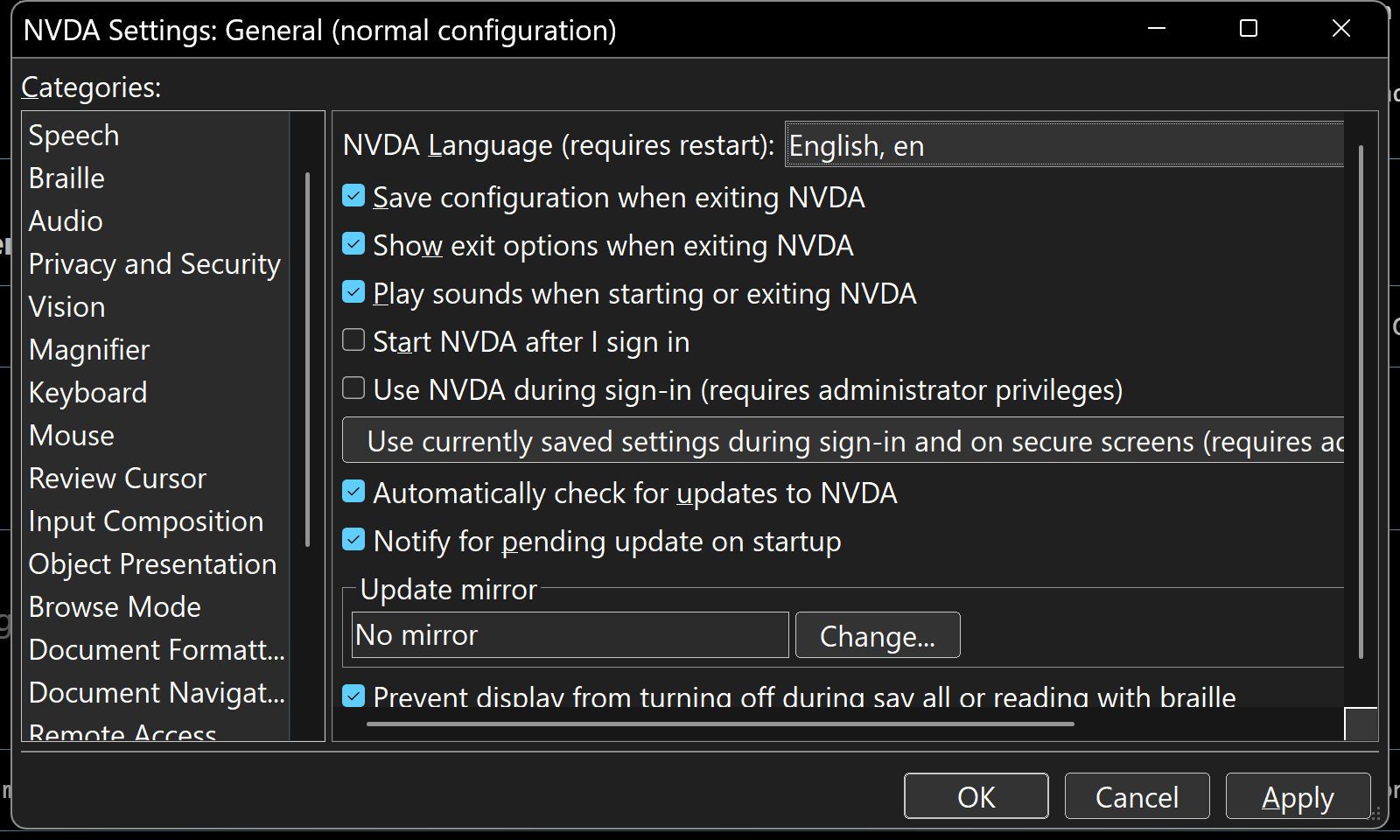
Dark Mode for NVDA
An NVDA add-on that gives the screen reader's own windows, dialogs, and menus a dark theme. Nothing NVDA says changes; only the colours do. Beta.
Learn More Install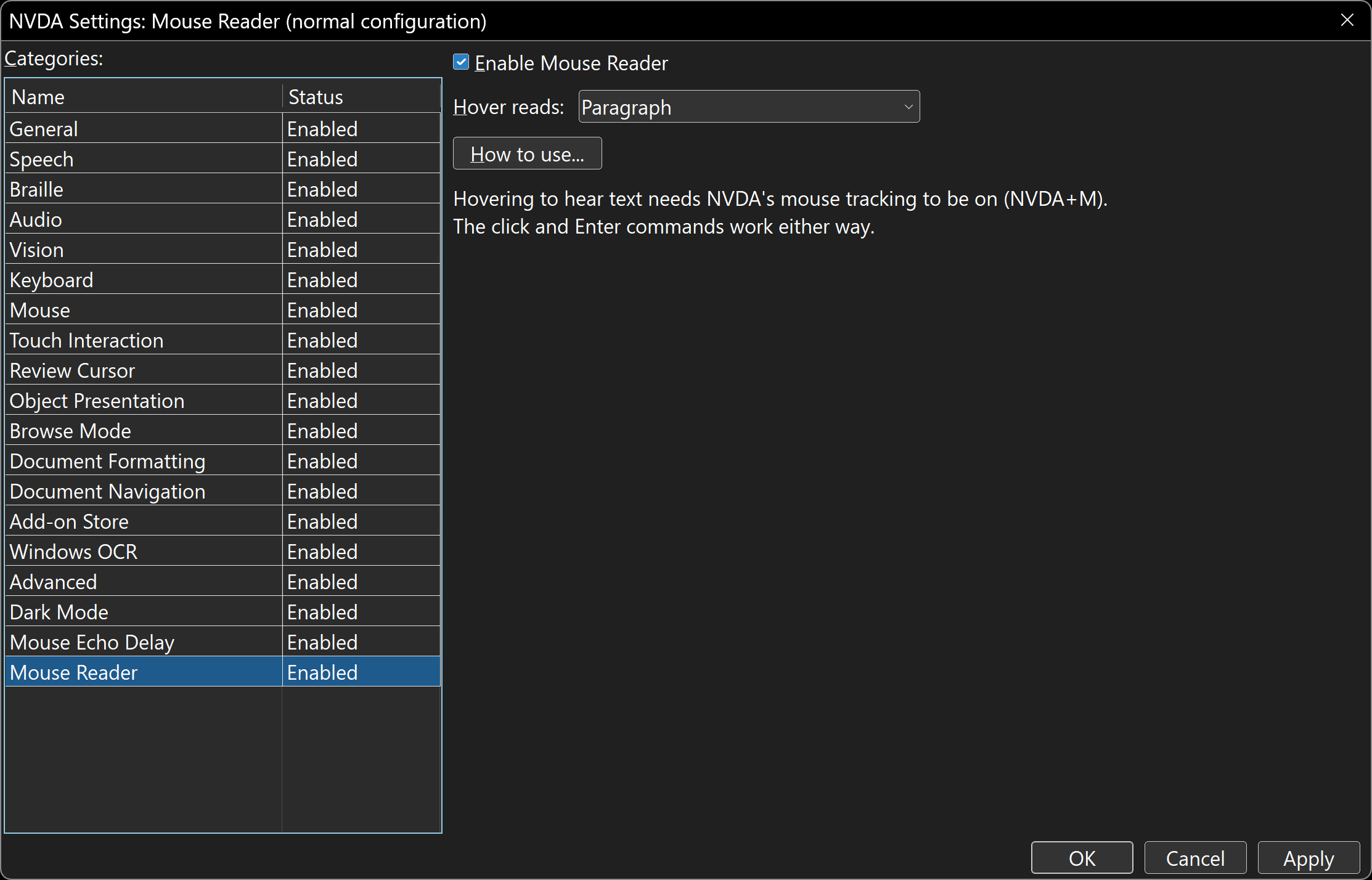
Mouse Reader for NVDA
An NVDA add-on that reads the text under the mouse where mouse tracking cannot: a web page's or PDF's own text in Chrome or Edge, OCR everywhere else, Slack included. Click to read a paragraph, then hover to hear its neighbours or read on. Works with full-screen Magnifier. Beta.
Learn More Install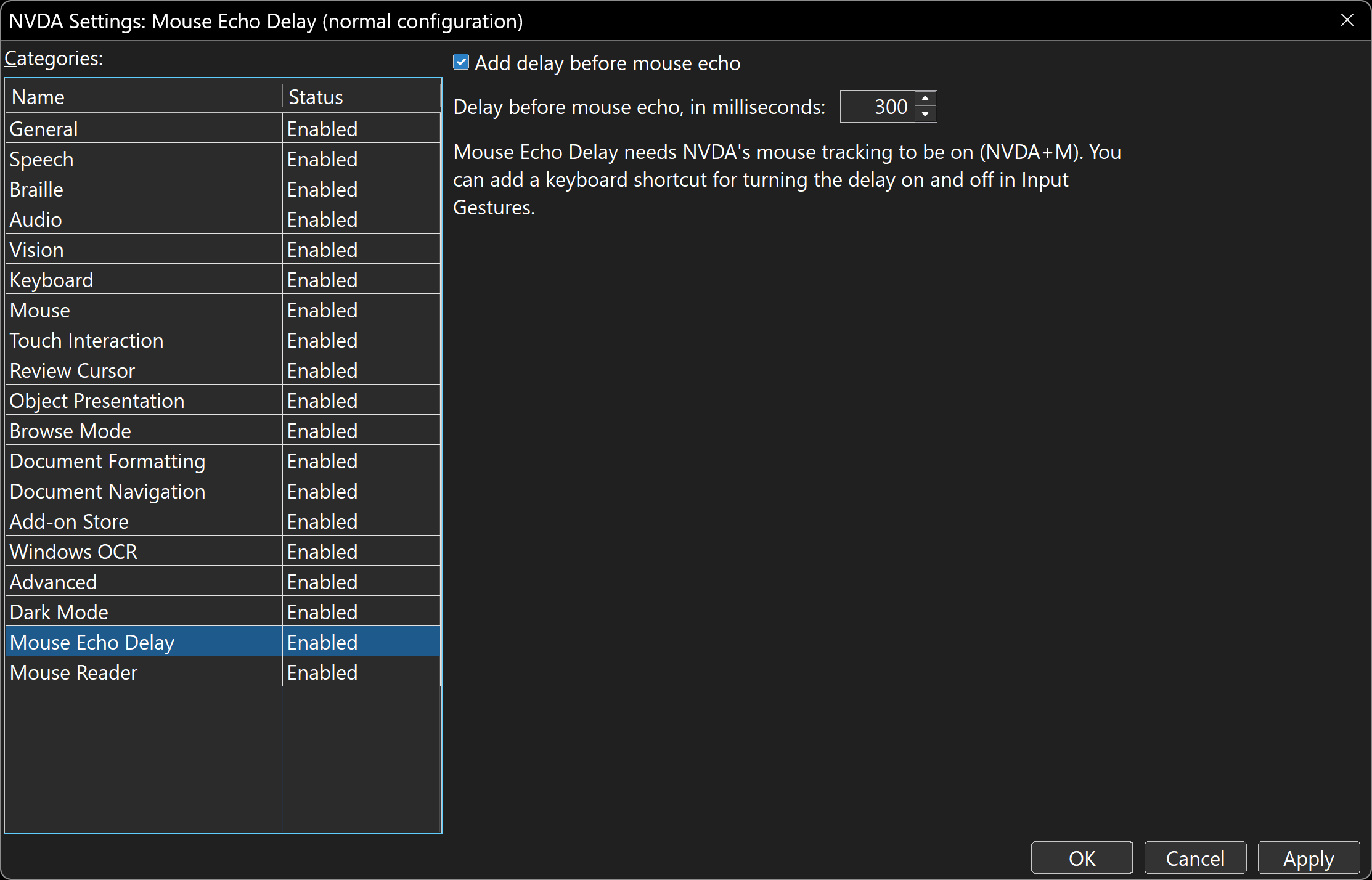
Mouse Echo Delay for NVDA
An NVDA add-on that makes mouse tracking wait until the mouse has stopped before reading what is under it, so sweeping across the screen is quiet. Everything else about mouse echo stays NVDA's own. Beta.
Learn More InstallCreativity
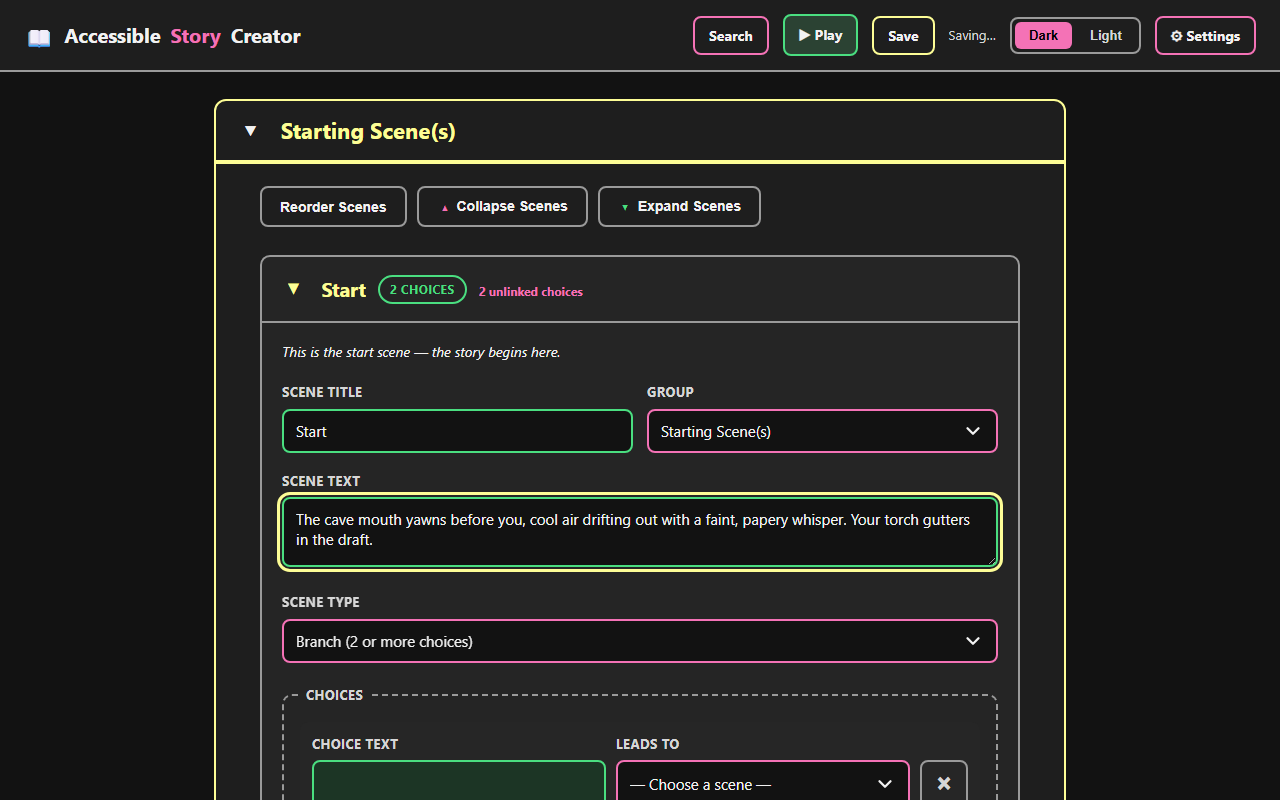
Story Creator
Branching stories, built your way — no visual canvas required. Write with headings and links, play it back as you go, or export a real Ink script.
Learn More Open AppBible

Access-a-Bible
Say it, type it, or pick it — and hear it read back. Six translations, commentary and verse-by-verse teaching audio for whatever you’re reading, plus plans that tick themselves off as you go.
Learn More Open App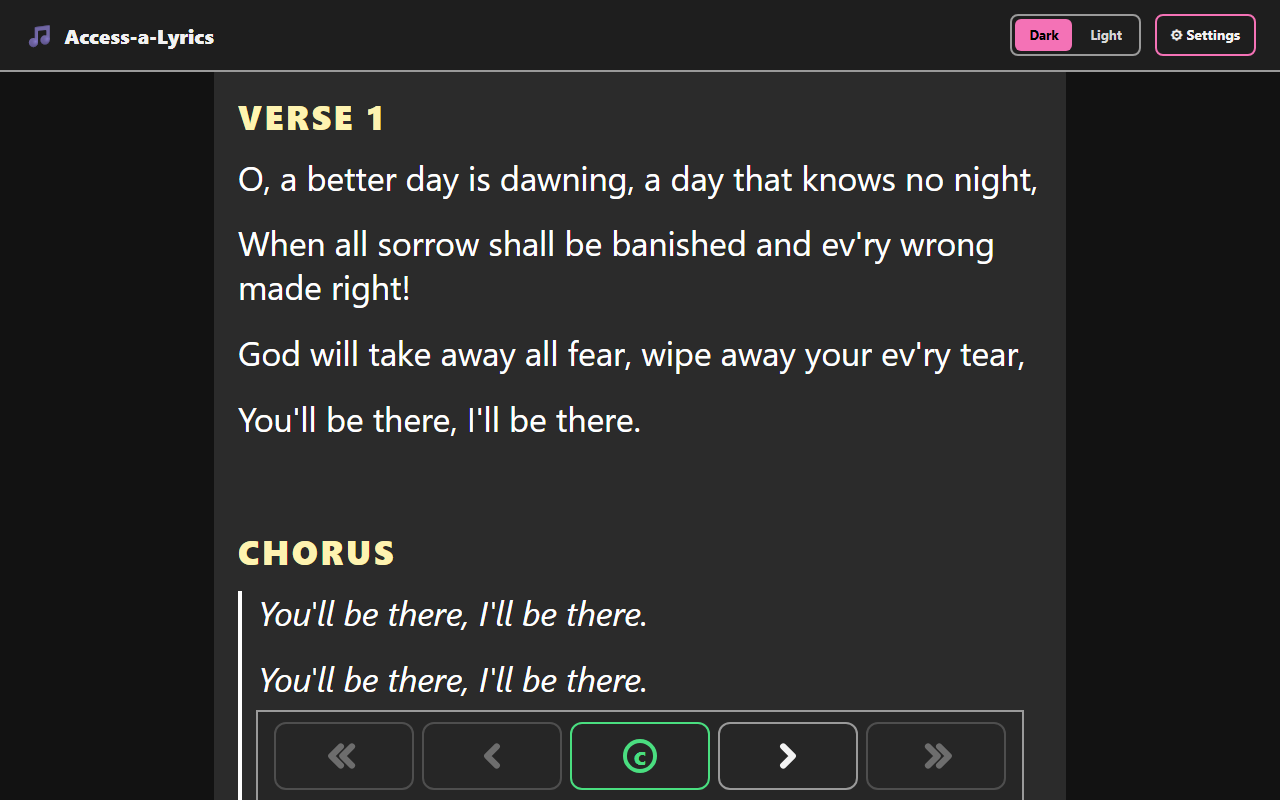
Access-a-Lyrics
Sunday morning, sorted. Browse public domain hymns or add your own, jump straight to the chorus, and build a playlist for the whole service.
Learn More Open AppEducation
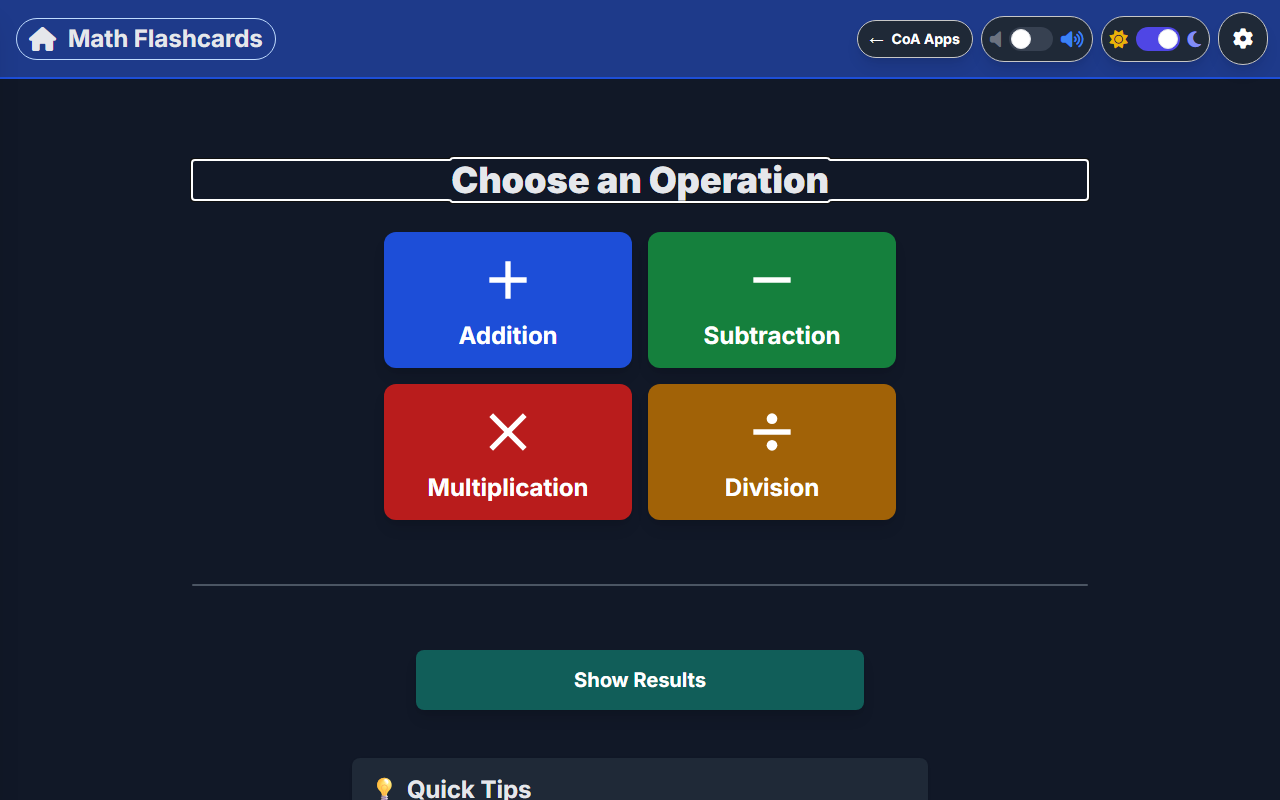
Math Flashcards
Math facts, on your terms. Pick an operation and a difficulty, then answer with the keyboard or an on-screen number pad.
Learn More Open AppNo apps match your search.