

Ultimate Tic Tac Toe
Your move decides their next board. Ultimate Tic Tac Toe is a low vision, screen reader, and keyboard accessible strategy game — nine tic-tac-toe boards arranged in one 3x3 grid, where the cell you choose sends your opponent to the matching mini-board next. Play solo against AI, pass-and-play locally, or go online to host or join a match, fully operable by mouse, touch, or keyboard, with screen reader labels for every board and cell and live announcements of whose turn it is.
Play Now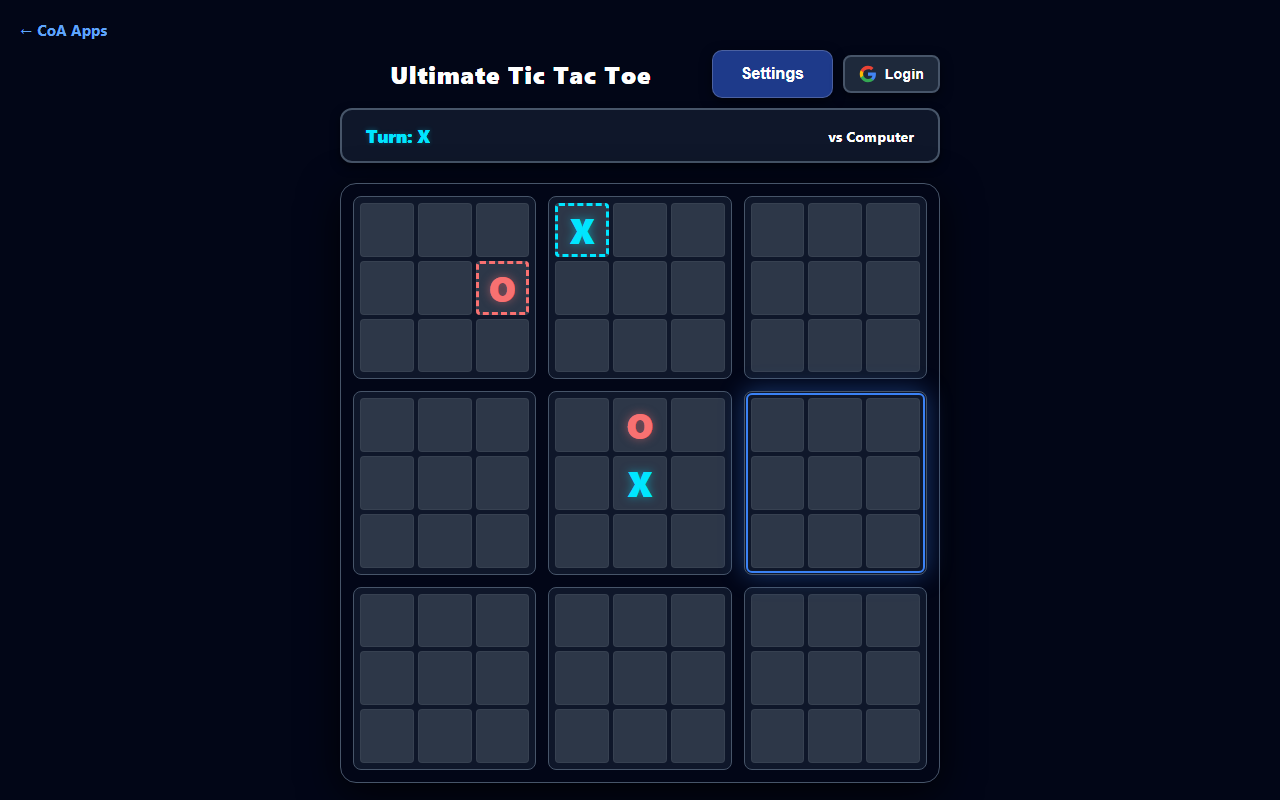
Your Move Sends Your Opponent's Next
The cell you choose sends your opponent to the matching mini-board, turning every move into a trap or a setup.
Play Solo, Local, or Online
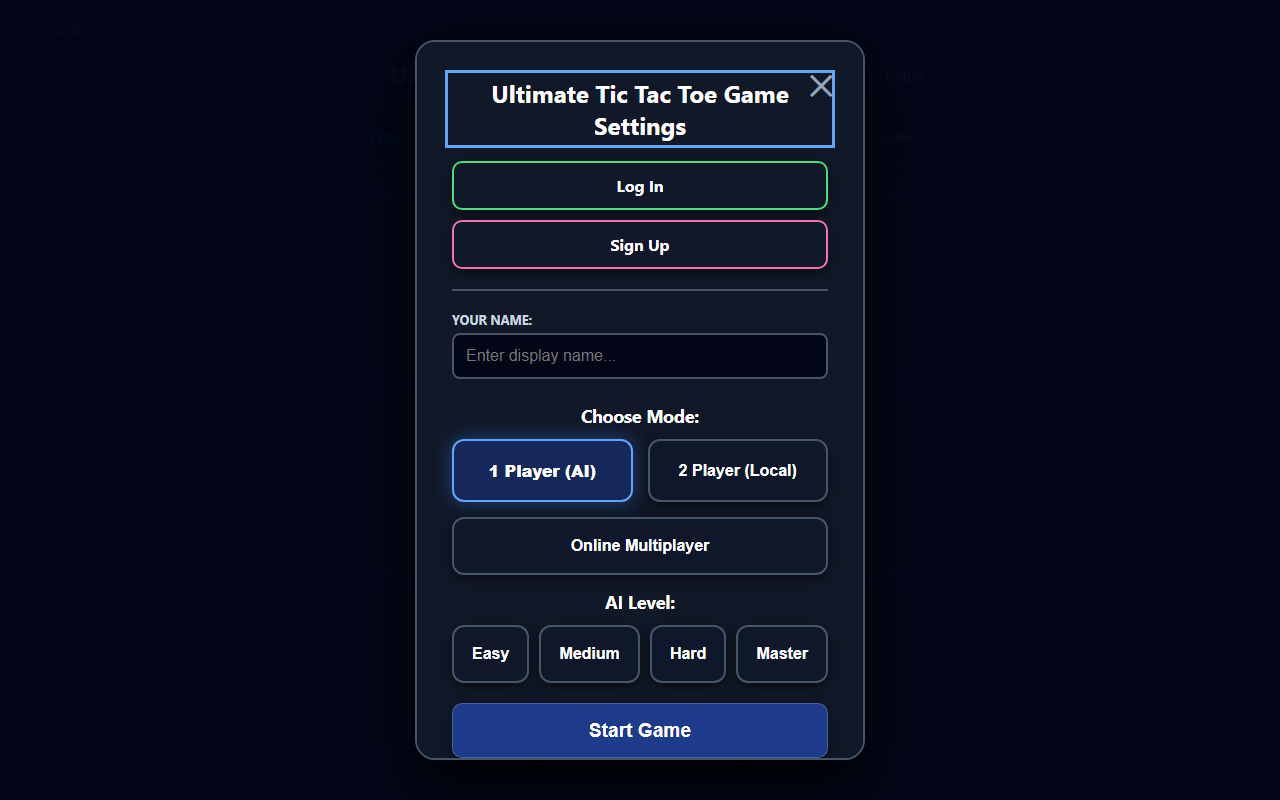
Face the AI at four difficulty levels, pass-and-play locally, or host or join an online match.
Learn the Rules Fast
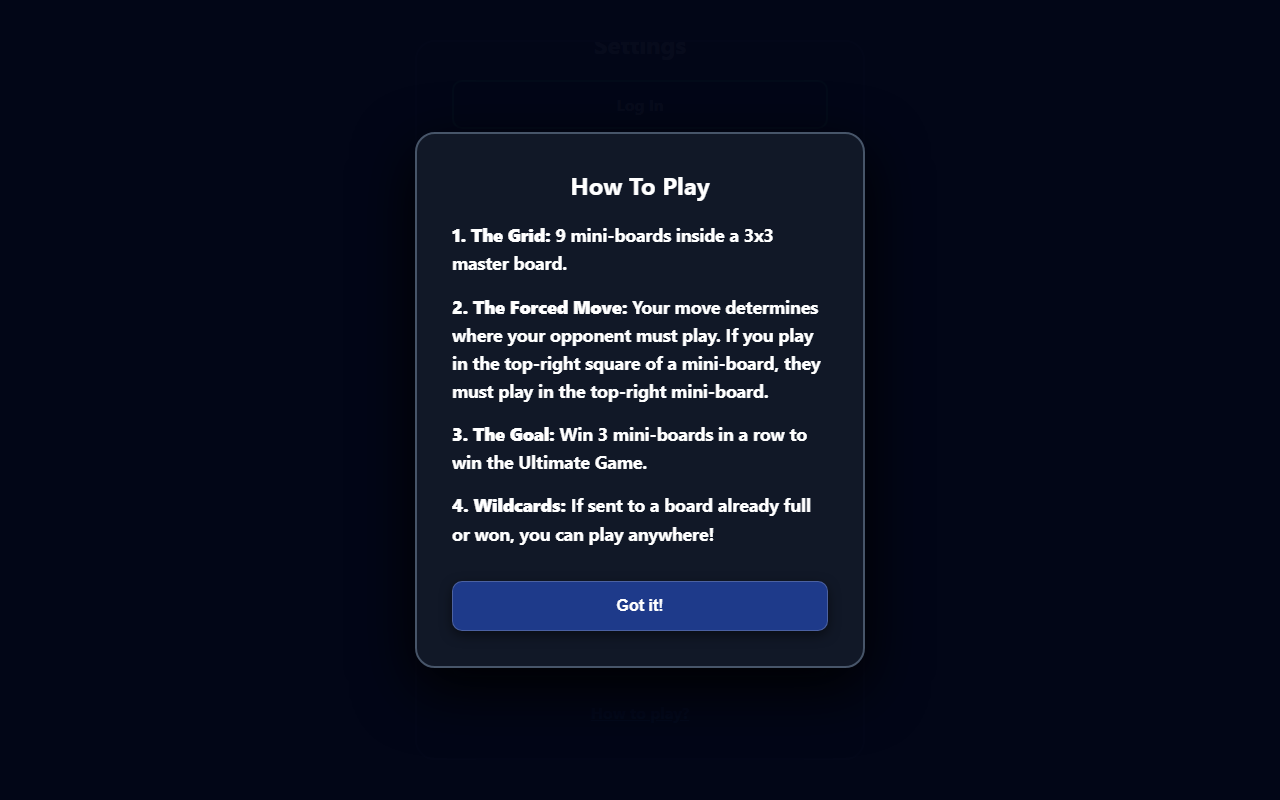
A quick How To Play guide covers the grid, the forced move, the goal, and the wildcard rule.
Screenshot 1 of 3: Ultimate Tic Tac Toe mid-game against the computer, with X and O marks placed in several mini-boards and the center-left mini-board highlighted as the active board for the next move. Your Move Sends Your Opponent's Next. The cell you choose sends your opponent to the matching mini-board, turning every move into a trap or a setup.
How to Play
- Choose a mode: 1 Player (four AI difficulties), 2 Player pass-and-play, or Online Multiplayer.
- Nine mini-boards form one 3x3 grid. Whichever cell you play sends your opponent to the matching mini-board next.
- If that board is already won or full, your opponent may play in any open board instead.
- Win a mini-board with three in a row to claim it; a full board with no winner ties and closes.
- Claim three mini-boards in a row, anywhere on the grid, to win the game.
- Online: host a Public or Private-code match, or join as a player or spectator.
- Sign in with Google to save your record — guest progress carries over automatically.
Accessibility
- The entire grid is keyboard-operable — arrow keys move a focus cursor across all 81 cells, Enter or Space plays the focused cell.
- Every cell has a label announcing its board, position, mark, and whether that board is won, tied, or open.
- Live regions announce each move and whose turn it is, so board state is always available to screen readers, not just shown visually.
- Every dialog moves focus to its heading, traps Tab while open, and restores focus when closed.
- X and O marks are always paired with the letter itself, supporting low vision players alongside screen reader users.
- A few honest gaps: the "last played" cell highlight is visual-only, and some online status changes (a spectator joining, sync status) update visually without an announcement.
Categories
Fun