
Math Collapse
Solve fast or get buried. Math Collapse is a fast-paced, high-contrast math game built for low vision, screen reader, and keyboard users — answer addition, subtraction, multiplication, or division questions to clear rows before the stack reaches the top, with audio pitch cues and a live leaderboard.
Play Now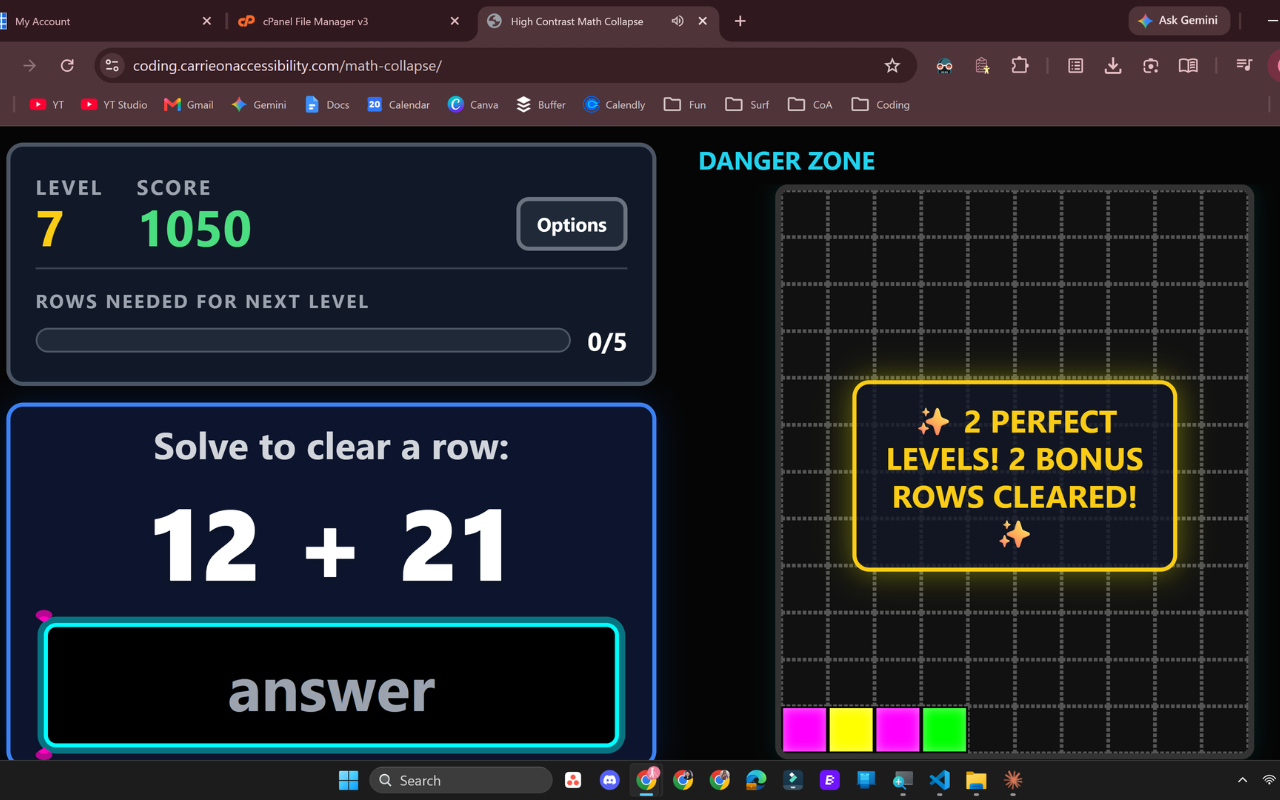
Solve to Clear a Row
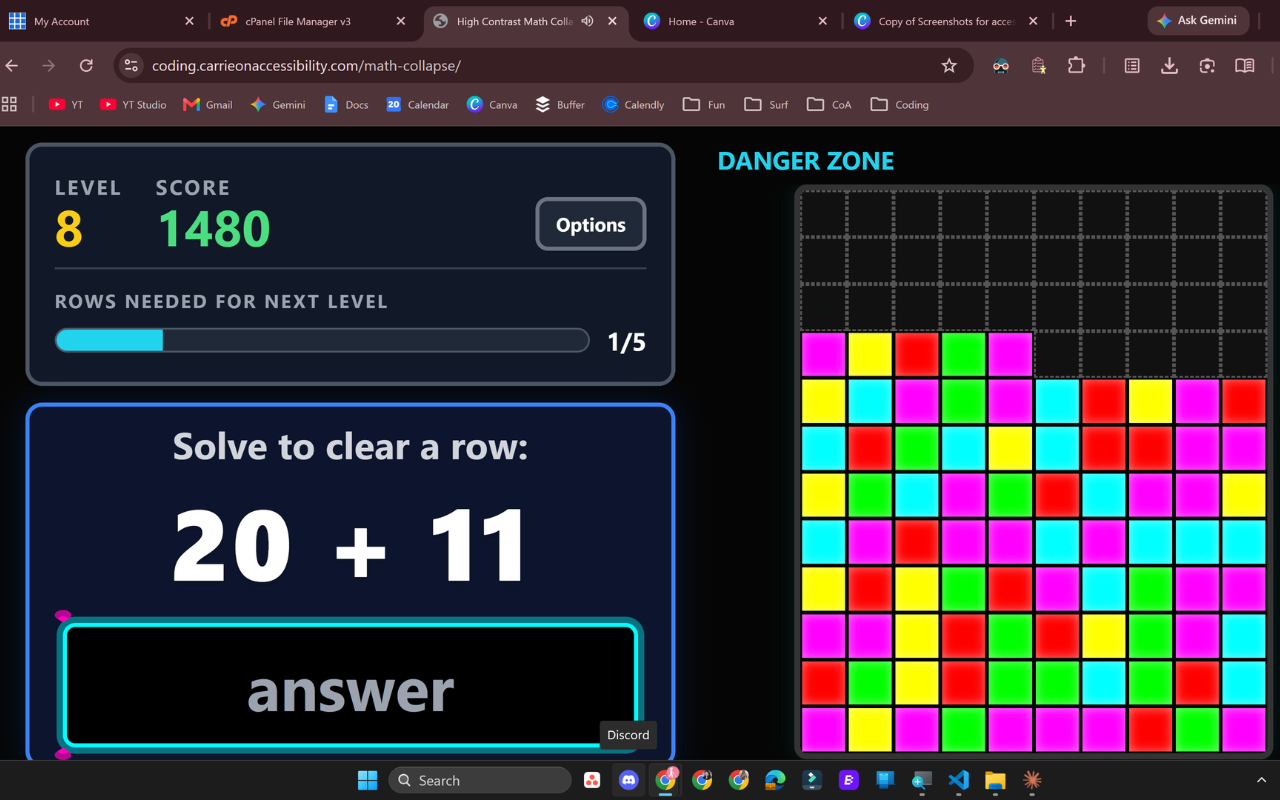
Answer the math question shown to clear a row before the stack reaches the top, and track your level, score, and progress at a glance.
Watch the Danger Zone
Blocks keep stacking up in real time. Clear rows fast enough, and string together Perfect Levels for bonus row clears.
Pause Anytime
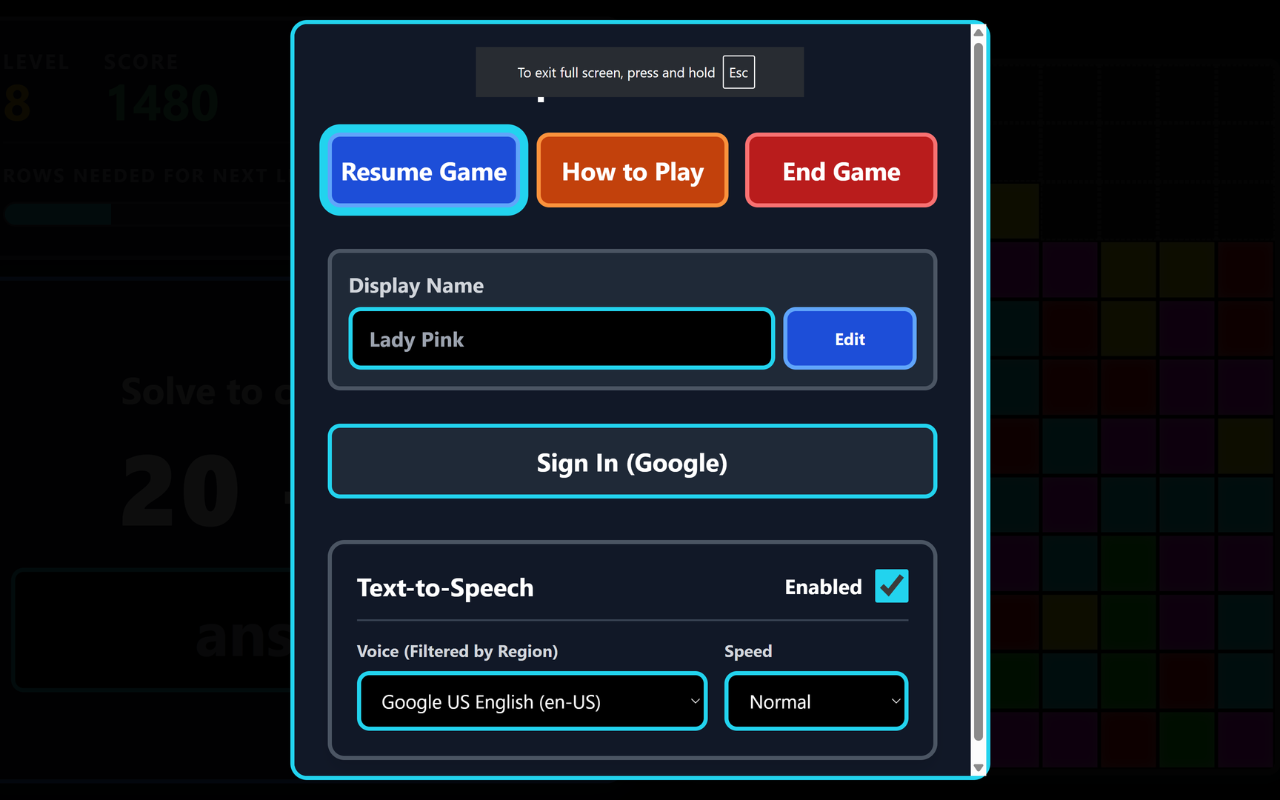
Open Options to resume, review How to Play, end the game, set your display name, sign in with Google, or adjust Text-to-Speech settings.
Screenshot 1 of 3: Math Collapse gameplay screen showing Level 7, Score 1050, the question "12 + 21" to solve, and an almost-empty Danger Zone grid with a bonus alert for two perfect levels in a row. Solve to Clear a Row. Answer the math question shown to clear a row before the stack reaches the top, and track your level, score, and progress at a glance.
How to Play
- Pick an operation — Addition, Subtraction, Multiplication, or Division.
- Type the answer to the question shown and press Enter to clear a row.
- Clear 5 questions to level up. Completed levels don't clear the board, so keep going.
- Answer all 5 questions in a level correctly for a Perfect Level — string Perfect Levels together for bonus row clears.
- Audio hints: listen to the pitch of the tick sound to gauge how high the stack has grown.
- Press
Ctrlto repeat the current question,ZorEscapeto open Options, and`(backtick) to hear your level, questions left, and rows filled.
Accessibility
- Every screen is fully keyboard-operable, with every action announced to screen readers through a live region.
- Full text-to-speech reads questions and results aloud.
- Stack height is also conveyed through audio pitch cues, so low vision and blind players don't need to see the board.
- The decorative block grid is hidden from screen readers, since everything it shows is already announced.
Categories
Educational Math