

Access-a-Lyrics
Sunday morning, sorted. Access-a-Lyrics is a low vision, screen reader, and keyboard accessible lyrics reader — browse public domain hymns or paste in your own, read with the colors, size, and font that work for you, jump straight to the chorus, and build a playlist for the whole service.
Open App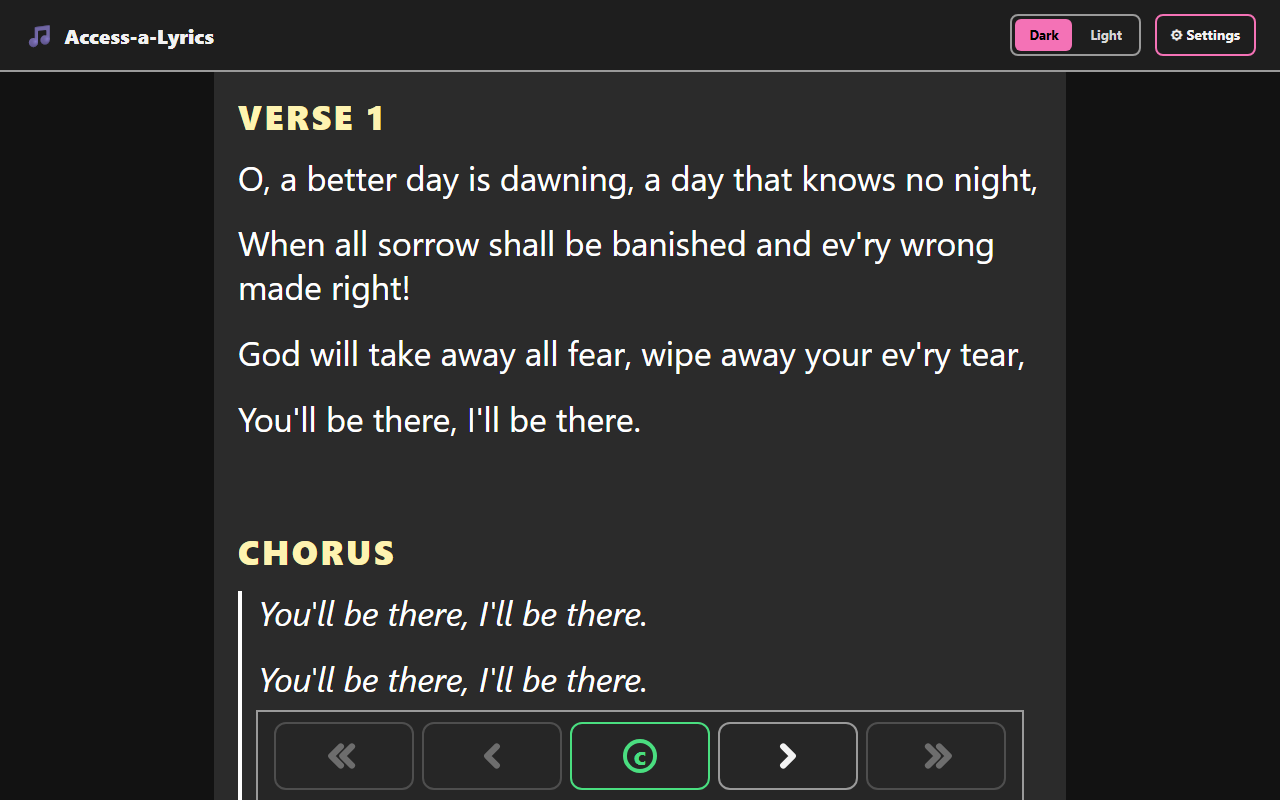
Read With Ease
Read any hymn verse by verse, with a one-tap jump straight to the chorus.
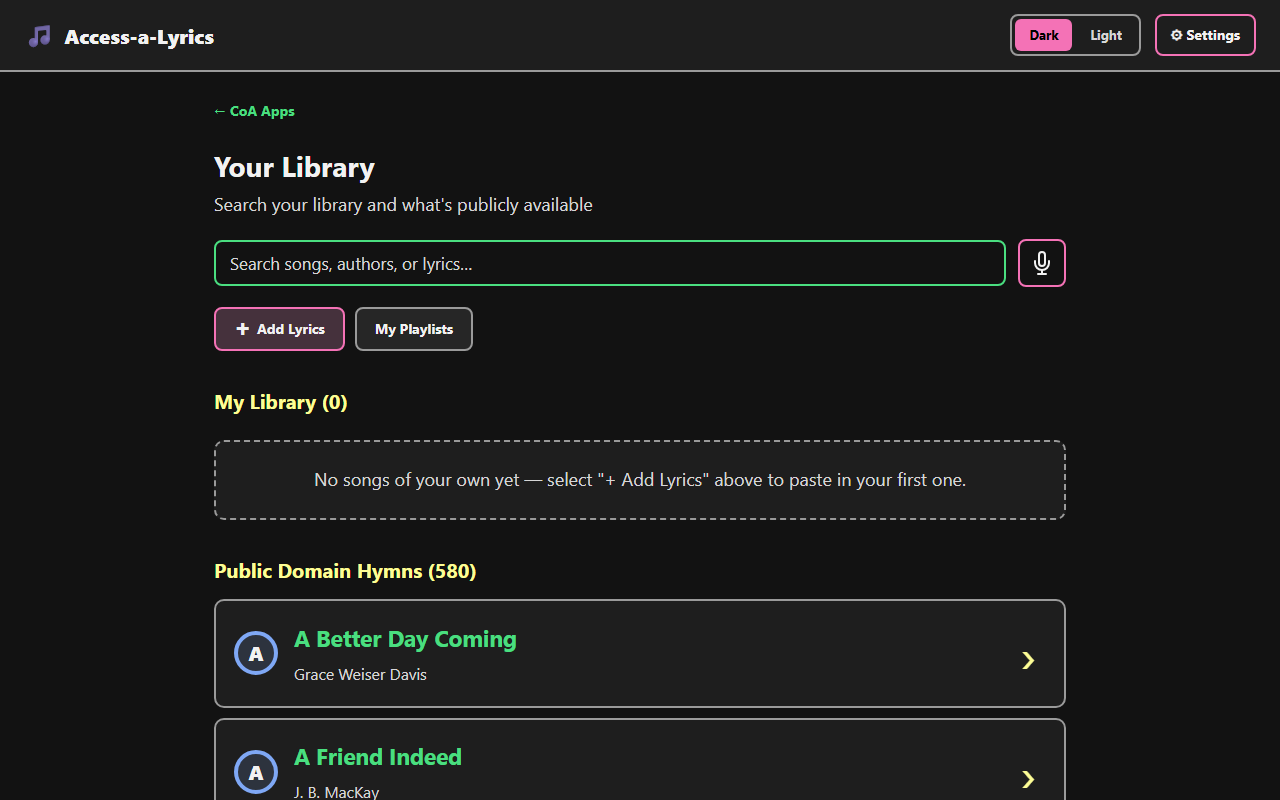
580 Public Domain Hymns, Plus Your Own
Search the built-in hymn library or add your own lyrics, then save songs into playlists for the whole service.
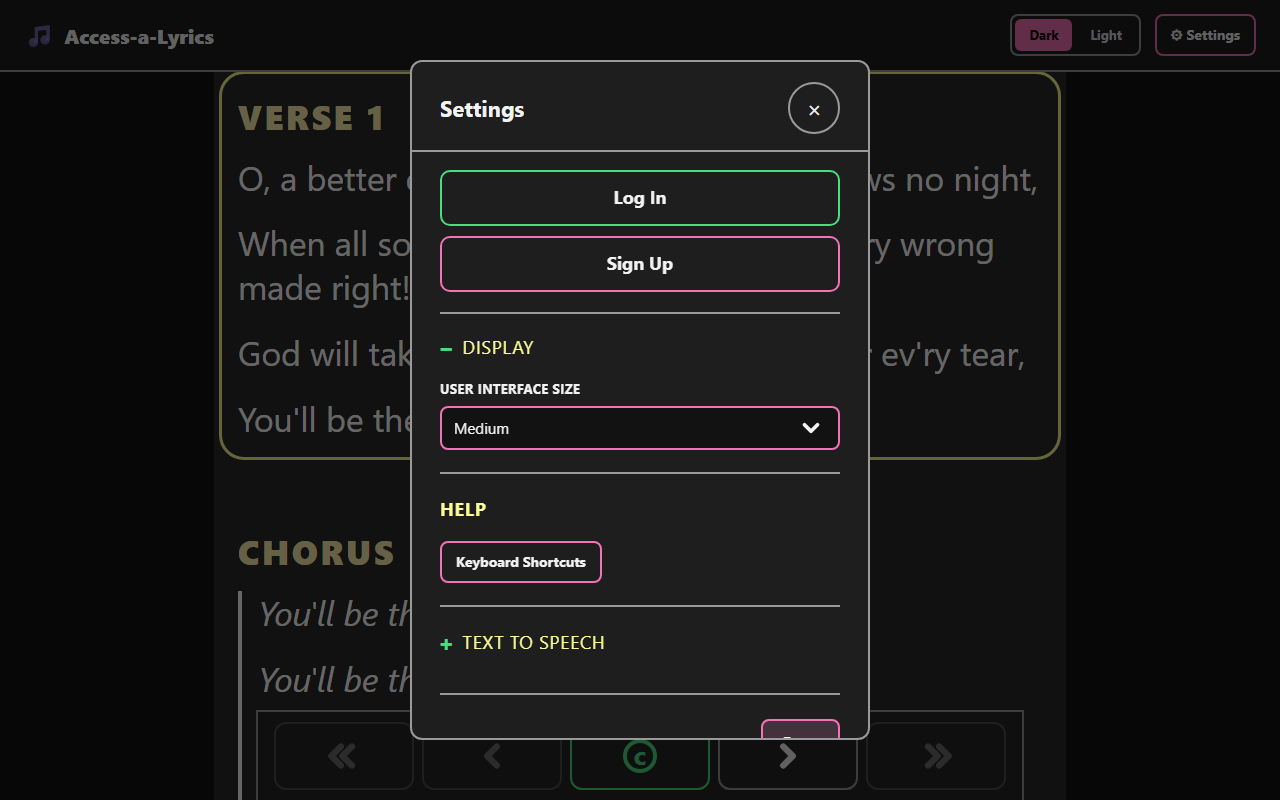
Made To Fit You
Adjust the interface size and other display options, and sign in to sync your library.
Screenshot 1 of 3: Access-a-Lyrics reading view of the hymn A Better Day Coming, showing Verse 1 and Chorus text with page navigation buttons including a jump-to-chorus button below. Read With Ease. Read any hymn verse by verse, with a one-tap jump straight to the chorus.
Key Features
- Public domain hymn library — a starter set of well-known hymns, ready to read, no typing required.
- Add your own lyrics — paste in any song and save it to your own library, right on your device.
- Automatic verse/chorus detection — pasted lyrics are split into sections automatically, with an editable review step so you can fix or relabel anything.
- Fully adjustable reading view — Dark, Light, or Sepia mode, three background shades each, four text colors, three font choices, and a text size stepper that goes from 75% up to 400%.
- Verse and chorus navigation — jump straight to the chorus or step through verses with on-screen buttons or keyboard shortcuts.
- Read Aloud — text-to-speech with adjustable voice and speed, line by line or straight through.
- Service playlists — build a reorderable set of songs for a specific service and read straight through them in order.
Accessibility
- The whole reading view is keyboard operable — arrow keys move between sections, C jumps to the chorus, Shift+/ opens a full list of shortcuts.
- Every modal traps keyboard focus while open, closes with Escape, and returns focus when closed.
- The lyrics display (background, text color, font, and size) is fully independent of the app's own Dark/Light theme, so you can set up a high-contrast reading view without changing the rest of the app.
- Song cards are single, whole-card links so screen readers announce each one as a single, clearly labeled group.
Categories
Productivity Web App